AI video generation moved from “interesting demo” to “actual production tool” faster than most observers expected. By 2026, creators are shipping weekly content that pairs AI-generated b-roll with cutaway shots, character action sequences, and full cinematic sequences.
Below are ten AI video generators worth knowing right now, what each one is best at, and where each one shows the seams.
Kling v3
The current best for cinematic shots that need to hold up to scrutiny. Motion quality, camera coherence, and aesthetic baseline are higher than the alternatives. Generation time is the tradeoff: longer waits per shot, but for one or two key shots per video, that’s fine.
Veo 3.1
Google’s video model handles dynamic motion better than the alternatives. For creators who need car chases, sports clips, action sequences, or any video where things move quickly and physics has to feel right, Veo is the differentiated pick. Audio generation is also stronger than competitors.
Wan 2.7
Wan has become the workhorse for talking-head and dialogue-style content. Output quality is solid, generation cost is favorable, and the model handles facial expressions and lip sync better than the alternatives. For creator content with a recurring character speaking to camera, Wan is the right default.
Runway Gen-4
The most polished creator workflow in the category. Interface, editing tools, and integration with non-AI assets feel built for working creators rather than for demos. Output quality is mid-tier compared to Kling and Veo, but the workflow polish often matters more.
Pika Labs
Pika sits in a similar slot to Runway, with a slight tilt toward shorter, snappier clips. The 4 to 8 second clips it produces don’t replace real footage for everything, but they cover a meaningful share of the cutaway shots a typical creator needs.
Luma Dream Machine
Luma’s strength is camera-motion control. The platform exposes camera commands (dolly, pan, orbit) more directly than competitors, which matters for creators planning specific shot compositions. Output quality is competitive on standard motion.
Sora 2
OpenAI’s video model has improved significantly since the original release. Generation quality on photorealistic scenes is now genuinely strong, and the integration with the broader OpenAI tooling makes it the right pick for creators already inside the ChatGPT workflow.
Higgsfield
Higgsfield specializes in cinematic camera motion. Output style leans heavily cinematic with strong atmosphere and lighting. For creators building short-form video where the shots need to look like movie frames rather than AI-rendered scenes, Higgsfield’s aesthetic baseline gives a head start.
Open-source video models
Self-hosted options like CogVideoX and AnimateDiff have matured to the point where creators with the hardware can produce competitive output at zero per-clip cost. Operational complexity is the tradeoff. For high-volume production or privacy-sensitive workflows, the math works.
All-in-one AI studios
A category that didn’t exist two years ago. These platforms bundle 10 to 30 video models under one subscription, with character locking and asset stacking. The pitch is that no single video model wins every shot, so an AI Video Generator that gives you Kling for one shot, Veo for the action, and Wan for the dialogue produces better serial content than any single-model workflow.
How creators are combining these
The standard 2026 video workflow looks roughly like this:
- Plan the shot list before generating anything. Identify which shots are character-driven (Wan), cinematic (Kling), action-heavy (Veo), or short cutaways (Pika or Runway).
- Generate character shots first. Lock the character through whatever tool gives you reference-based generation, then run all character shots through the same model.
- Generate b-roll and cutaways in parallel. Pika or Runway can churn out cutaways while you wait for the longer cinematic shots.
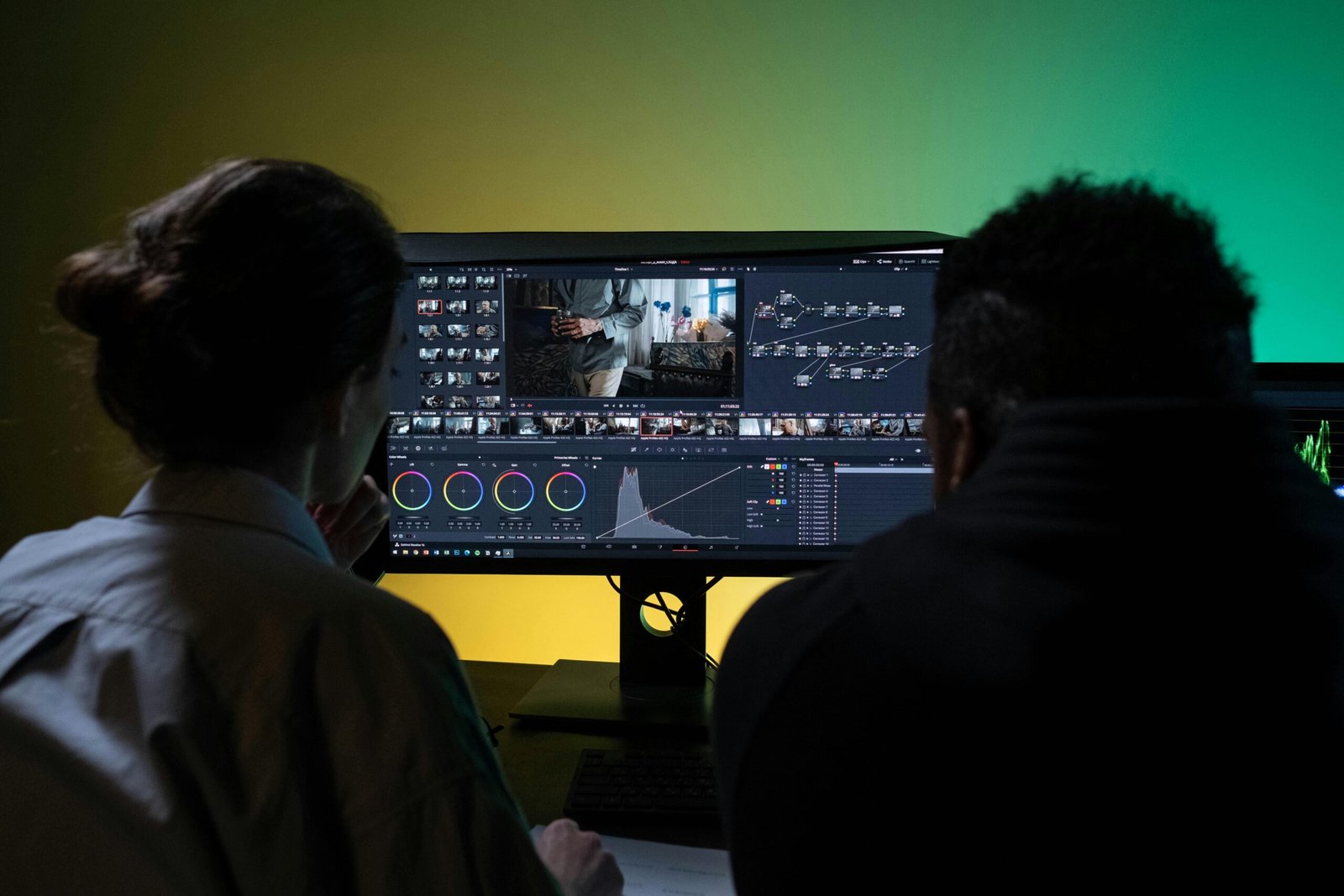
- Composite in CapCut or DaVinci. AI shots layer in alongside any real footage and stock you have.
The whole workflow typically takes one experienced creator about 8 to 12 hours per video, which is the volume math behind two-videos-a-week creator schedules.
Where to start
The most leveraged tool for a new AI video creator in 2026 is whichever one fits the kind of content you’re making. Talking-head content? Wan. Cinematic short film? Kling. Action sports? Veo. Quick social cutaways? Pika. If you’re producing serial content with a recurring character, an all-in-one studio that handles character consistency across multiple models will save more time than picking a single best-in-class for each shot.
The bar is rising fast in 2026, but so is the leverage for individual creators. The accounts that grow are the ones whose creators understood the workflow shift early and built around it.