Puzzle games pull people in because they make the brain work satisfyingly. You solve one piece, feel clever, and want to keep going for the next challenge. Many folks dream of making their own puzzles, sliding blocks, matching colors, connecting paths — but the thought of learning code stops them cold.
The good news is you no longer need to write a single line of code. With a tool that lets you make your own game using plain language, you describe the puzzle type, what the player does, and how hard it should feel and the tool handles the rest. It sets up the board, places pieces, checks whether moves are valid, and shows win or lose screens automatically. This opens the door for teachers building math challenges, parents creating family games, and hobbyists crafting brain teasers for friends. The whole process moves fast. You can have a working version running in minutes and spend the saved time refining it until it feels exactly right.
Why Puzzle Games Work So Well with Automatic Tools
Puzzles follow clear rules, which makes them ideal for tools that understand plain instructions. You say players slide tiles to form a picture or connect pipes to let water flow, and the tool builds the grid, adds pieces, and blocks invalid moves automatically. This matches how puzzles are constructed anyway — small pieces governed by strict logic, so the results come out clean and playable from the start.
The speed advantage is equally significant. Traditional puzzle creation means drawing every level by hand, testing each one for fairness, and fixing bugs that disrupt the flow. With automatic tools, you can try ten variations in the time it previously took to build one. If a level feels too easy, you add one sentence, make the board bigger with more dead-end paths, and a new version appears instantly. This freedom to experiment without getting stuck is what makes the process genuinely enjoyable.
How the Tool Creates Your Puzzle Game
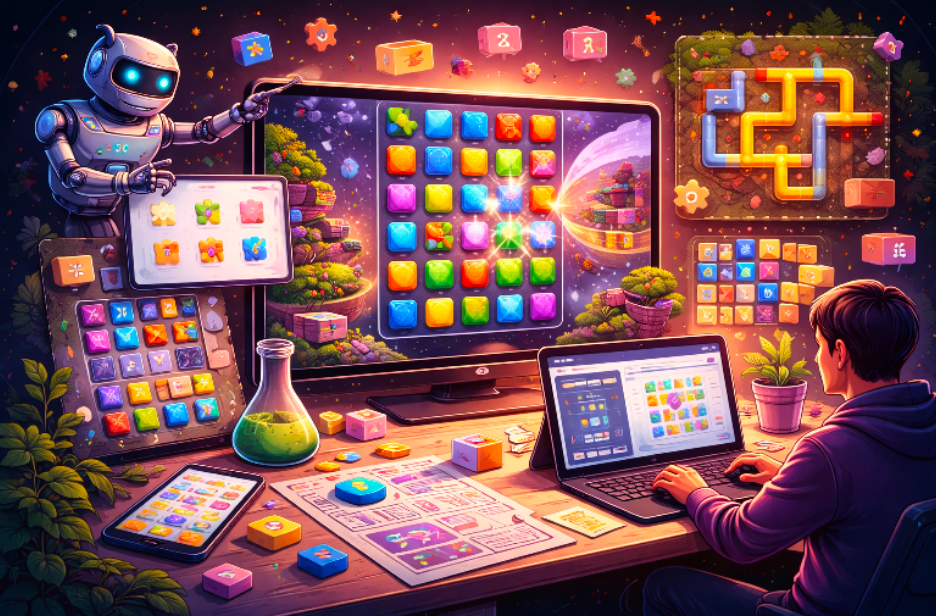
You start by typing a short description of the puzzle. Something like: a grid where players swap adjacent gems to match three or more in a row, with an increasing board size each level. The tool reads that and sets up the playing area, places colorful gems, and watches for matches when the player clicks or drags. It adds core rules immediately, matches disappear, new gems fall in, and points accumulate. It includes a timer or move counter if you mention wanting limits.
Behind everything, the tool checks every move against your rules and blocks anything that breaks them. You can play the puzzle right away to feel how it flows.
Main Steps to Build a Puzzle Game
- Pick the core puzzle type first. Decide whether it is a matching game, a sliding block challenge, a line-connection puzzle, or a shape arrangement so the tool starts with the correct board layout and movement logic.
- Describe player actions and the goal. Explain what the player clicks or drags and what counts as winning clearing the board, reaching a target score, or filling every cell, so the tool sets objectives that are unambiguous.
- Set a difficulty progression. Tell the tool how levels should grow harder: bigger grids, fewer available moves, or new obstacle types. This ensures challenge builds naturally without sudden difficulty spikes.
- Add win and lose feedback. Specify what appears when the player succeeds or runs out of moves — a congratulations message, an animated effect, a restart button to give every session a satisfying resolution.
Writing Clear Descriptions for Stronger Puzzles
Specific language produces better puzzles every time. Instead of make a fun puzzle, try: create a 5×5 grid where players rotate groups of four tiles to match colors along the edges, across five levels that introduce one additional color each time. The extra detail helps the tool place pieces logically and calibrate the challenge accurately.
Think from the player’s perspective as you write. Add show a hint button after ten seconds of inactivity if you want support for stuck moments. Include allow the player to undo their last move to keep frustration low. Save your best descriptions so you can reuse elements later — keeping the same color scheme across levels, for example, creates a polished, cohesive look without extra effort.
Useful Settings to Adjust Game
- Board size and shape: Square grids, hex boards, or irregular layouts each change how open or constrained the puzzle feels, depending on the type of thinking you want to encourage.
- Number of pieces or colors: Start low so players learn the rules at a comfortable pace, then increase in later levels to introduce genuine challenge.
- Time or move limits: Generous limits create a relaxed, thoughtful experience; tight limits add tension and urgency. Match this to the mood of your game.
- Visual style: Bright, cheerful palettes work well for family-friendly games; darker, moodier tones suit complex brain-teasers. Consistency across levels matters more than any individual color choice.
Common Issues in Created Puzzles and How to Fix Them
Even well-written prompts occasionally produce levels that need extra attention. Pieces may overlap unexpectedly, levels may look too similar to earlier ones, or a move sequence may produce an unsolvable state. Win conditions can trigger too early or not at all if the description omits a key detail. Visuals sometimes clash, bright buttons on a dark board, for instance, that strain the eyes. On lower-powered devices, performance can drop if too many elements animate simultaneously.
None of these mean the tool failed. Each issue points directly to what needs adjusting in your next prompt.
To get a clear sense of what a well-calibrated puzzle game feels and plays like before you start evaluating your own, try Knife Blitz 2 a sharp example of how tight rules, clean feedback, and escalating difficulty come together into something genuinely addictive.
Quick Fixes for Common Problems
- Puzzle sometimes has no valid solution: Add ensure every level is solvable in under twenty moves so the tool validates each configuration before finalizing it.
- Levels feel too similar to each other: Include variety in the layout style of each level, add walls, moving pieces, or new obstacles to maintain variety and keep players engaged.
- Player gets stuck with no guidance: Add a show one correct move after thirty seconds of inactivity to provide help without giving away the full solution.
- Game runs slowly on phones: Specify a limit of ten simultaneous moving elements to ten or simplify visual effects so performance stays smooth across all devices.
Testing Your New AI Puzzle Game
Play your puzzle at least five times after creation. The first run should feel natural, just play it as a player would. The second time, rush through to check whether shortcuts break any rules. On the third run, make deliberately wrong moves to test error handling. The fourth and fifth runs should focus on later levels to verify that the difficulty progression stays fair.
Test on different devices, because touch controls change how dragging feels compared to a mouse. Time each level to confirm the progression feels reasonable. Then ask a friend or family member to play while you watch quietly without explaining anything first. Note where they pause, hesitate, smile, or frown. These unfiltered reactions reveal issues that familiarity with your own design will always hide: unclear objectives, invisible obstacles, or a difficulty spike that appears without warning. Every observation, even a small one, becomes input for your next round of improvements.
Tips to Make AI Puzzles More Fun and Addictive
- Build gradual difficulty ramps: Start simple so players absorb the rules quickly, then introduce one new mechanic or twist per level to sustain the just one more feeling.
- Hide small rewards: Bonus points or secret patterns that unlock hints or visual effects give exploratory players something to discover without disrupting the experience for everyone else.
- Keep instructions short and visible: Show the core goal and controls on the first screen so new players can jump in immediately without reading a manual.
- Match theme to mechanics: Use colors and shapes that reinforce the game’s world ocean blues for water pipe puzzles, warm ambers for fire-themed challenges to draw players deeper into the experience.
Connecting Levels into a Full Puzzle Adventure
With several solid puzzles built, link them together in sequence. Ensure each level’s ending transitions naturally into the next with a short message, a visual shift, or an unlocked theme. The tool can suggest transition elements if you describe the mood change you want — from light and breezy to tense and focused. This connective layer turns a collection of standalone levels into a cohesive game with a genuine sense of progression and story.
Getting the Most from Automatic Puzzle Building
Save your best descriptions and settings in a dedicated note so you can revisit and iterate on them quickly. Create when your mind feels fresh, new ideas produce noticeably better prompts than tired ones. Most creators report the biggest quality jumps after three or four full build-test-fix cycles. With consistent use, you develop an intuition for exactly which instructions bring the results you are looking for, and the whole process becomes faster and more reliable over time.
Conclusion
Building puzzle games without coding unlocks a form of creative expression that was previously gated behind technical skills most people never acquire. You begin with plain words and end with brain-teasing levels that genuinely challenge and delight players. Each round of refinement teaches you more about what makes puzzles click, fair difficulty, clear feedback, and that deeply satisfying moment when everything falls into place.
The process stays engaging because results appear quickly and changes take effect immediately. Whether you are building for personal enjoyment, for a classroom, or to share with friends, these tools turn ideas into real, playable games with minimal friction. Start with one puzzle concept today, follow the steps, and watch how readily it comes to life. Your players will enjoy the challenges you create, and you will enjoy every step of building them.